Checking the Software Version
To check the version of the software:
- Open the User Menu (top-right corner of the viewer)
- Click About
- The version information will be displayed on the About screen
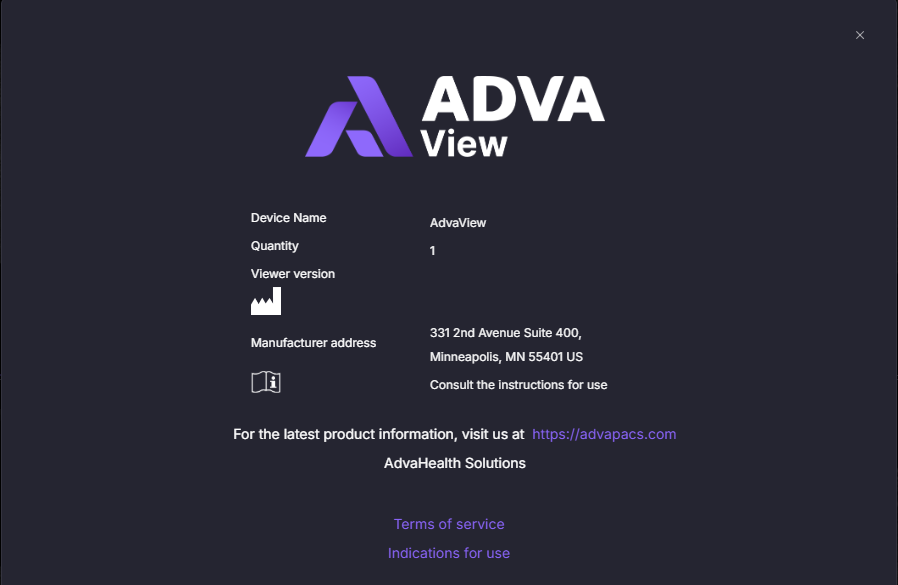
Version Screen
The About screen displays:
- Software version number
- Build or release information (if applicable)
This information is typically used for:
- Support and troubleshooting
- Verifying deployed versions
- Regulatory or documentation reference